1
Discover gyms and access levels
Use the website to understand Basic, Premium, and Elite, then compare city, locality, and gym pages.
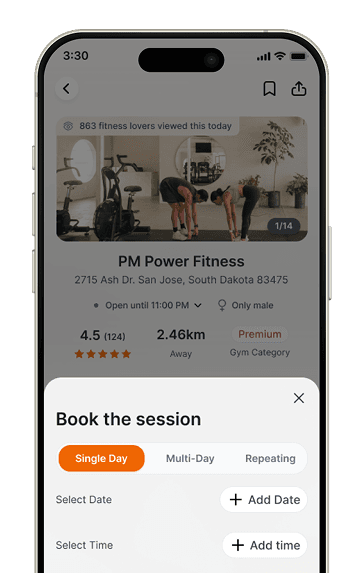
Fit Square app preview



Product guide
Fit Square is designed to make gym access simpler: compare gyms across Bengaluru, Mumbai, Navi Mumbai, and Thane, choose the category that fits your budget and preferences, and use a session only when you actually work out.
The Fit Square journey
Learn the model, compare real options, and continue in the app when you are ready to act.
Use the website to understand Basic, Premium, and Elite, then compare city, locality, and gym pages.
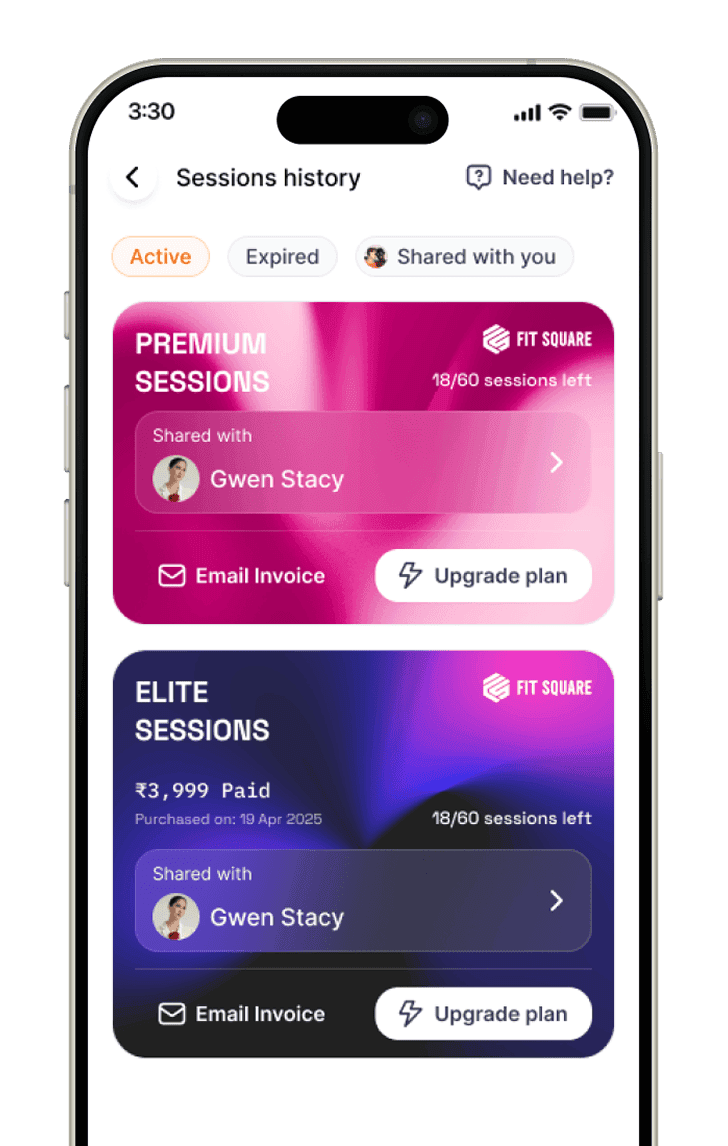
Select 30, 60, 90, or 180 sessions in the app after the gyms and access category make sense for your routine.
30, 60, 90, or 180 sessions · Basic, Premium, or Elite access
Visit an eligible gym, complete check-in in the Fit Square app, and use one session for the workout.
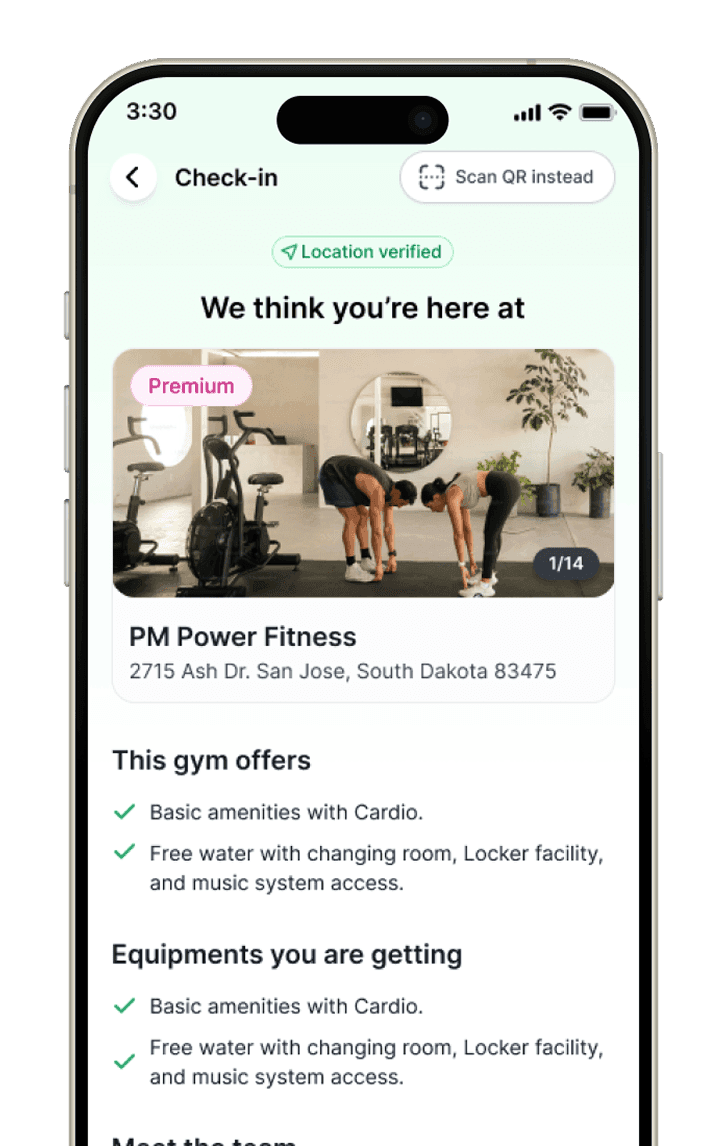
The Fit Square access model.
The website helps you compare. The app handles session purchase, check-in, and membership controls. Your sessions never expire. No pre-booking is needed; check in at the gym and use one session per visit.
Basic sessions
A value-first route to every gym listed as Basic on Fit Square.
Premium sessions
A broader network with upgraded amenities and every Basic option included.
Elite sessions
The widest Fit Square access across all three gym categories.
Choose your path
Fit Square separates the research journey from the workout journey so each surface stays useful and clear.
Before you buy
When you are ready
Compare on the website, then use the app for purchase and gym access.
How Fit Square works
A better first visit explains the product, shows where to continue, and makes the app feel like the natural next step.
Basic, Premium, and Elite help you match budget and gym quality before you begin comparing venues.
The easiest way to choose well is to compare gyms close to your home, work, or commute rather than forcing one venue to fit every day.
That is the key difference from paying for a monthly plan you may not fully use.
The complete product guide
Choose a gym, buy a prepaid pack in the app, and check in when you visit. No pre-booking is needed.
Your first decision is not the gym itself, but the kind of access you need. If you want a budget-friendly start, Basic may be enough. If you care about more venue choice and better amenities, Premium or Elite will usually fit better.
After choosing a category, browse the city page, then narrow down to the localities that actually fit your daily route. Gym pages give you the useful details: timings, reviews, amenities, photos, location, and contact information.
Once you are ready, visit an eligible gym and use a session when you actually work out. That means your usage is tied to real workouts, not a monthly attendance promise.
Some weeks are built around home, some around work, and some around travel. Fit Square works best when you keep using locality and gym pages to adapt your choices to your real routine.
Find gyms before you buy
After understanding the product, continue into the directory or a covered city page and start comparing actual gyms.
Popular searches
Compare prepaid sessions, membership tiers and sharing eligibility before choosing access.
Prepare for your next visit with guides to starting, equipment and gym routines.
FAQ
No. The site is designed to help you compare options by city, locality, and venue before deciding how you want to use your access.
No pre-booking is needed. Buy your prepaid session pack, walk into an eligible gym during opening hours, and scan with the Fit Square app. Each gym visit uses one session.
Go to the gym directory, open the city that matters most to you, and shortlist localities and gyms that match your routine.
Your next workout
Use the website to understand Fit Square and discover gyms, then download the app for sessions, access, and account management.